Overview of My Switchboard Account
Last updated 12 months ago
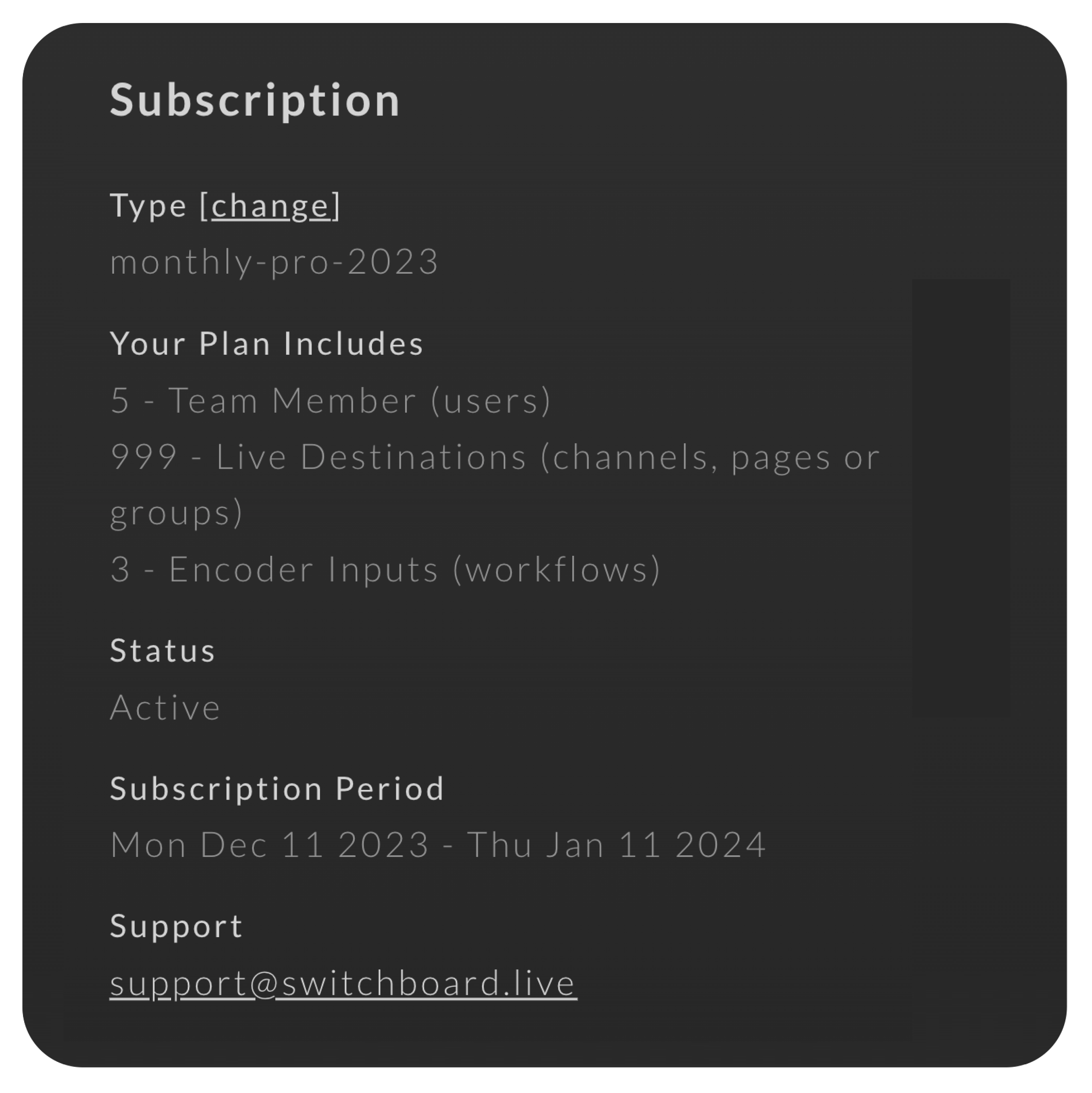
The Management Page allows you to see an Overview of your Switchboard Account, which provides common account details such as:
Company Name
Subscription Type
What's included in your Subscription Plan
Team Id
Account Status
Subscription Period
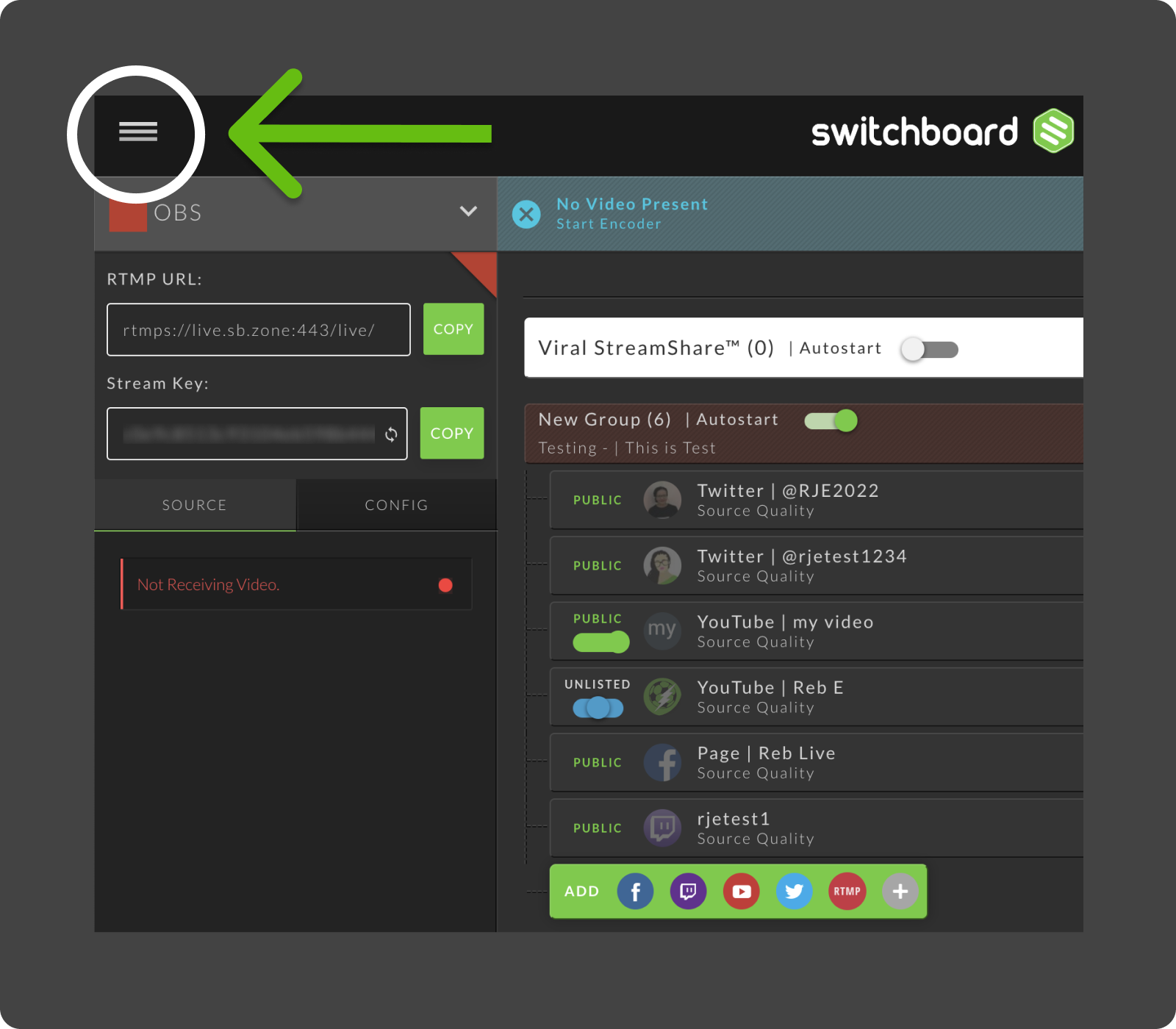
1. Select Main Menu on the top left of your workflow page.
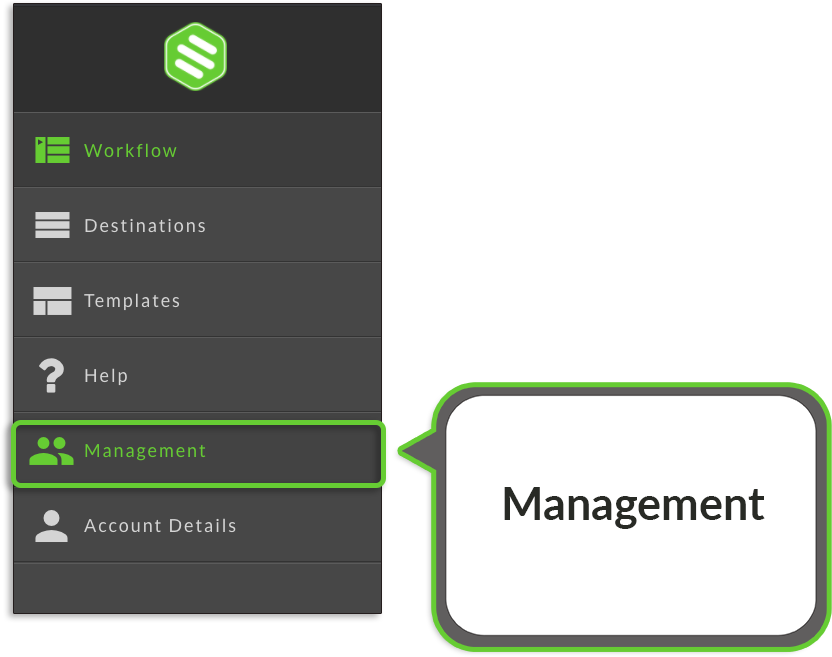
2. Select Management from the slide-out menu.
3. Choose Overview from the menu on the left.
4. From here, you can do the following:
Review the Subscription info on the right.
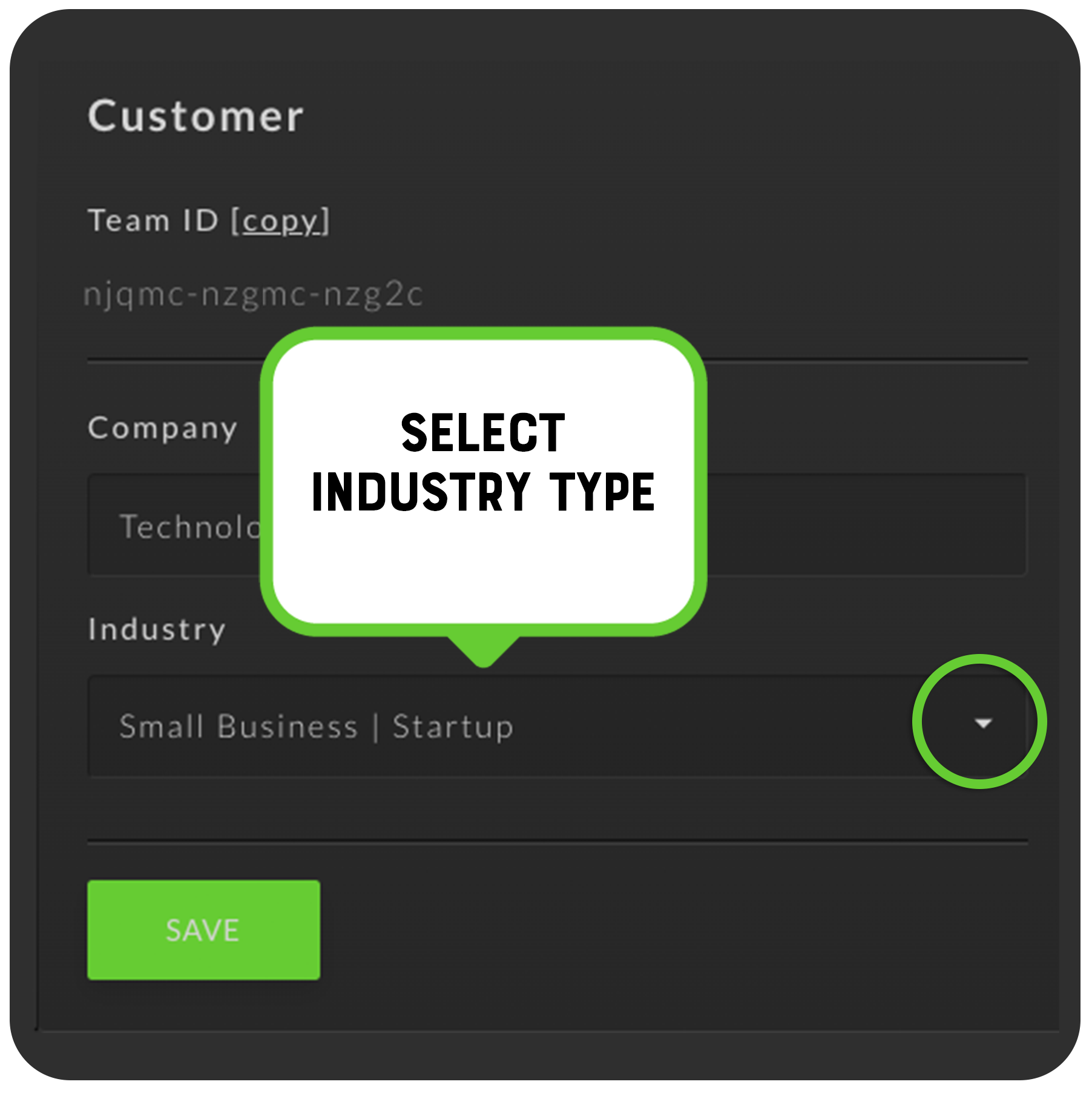
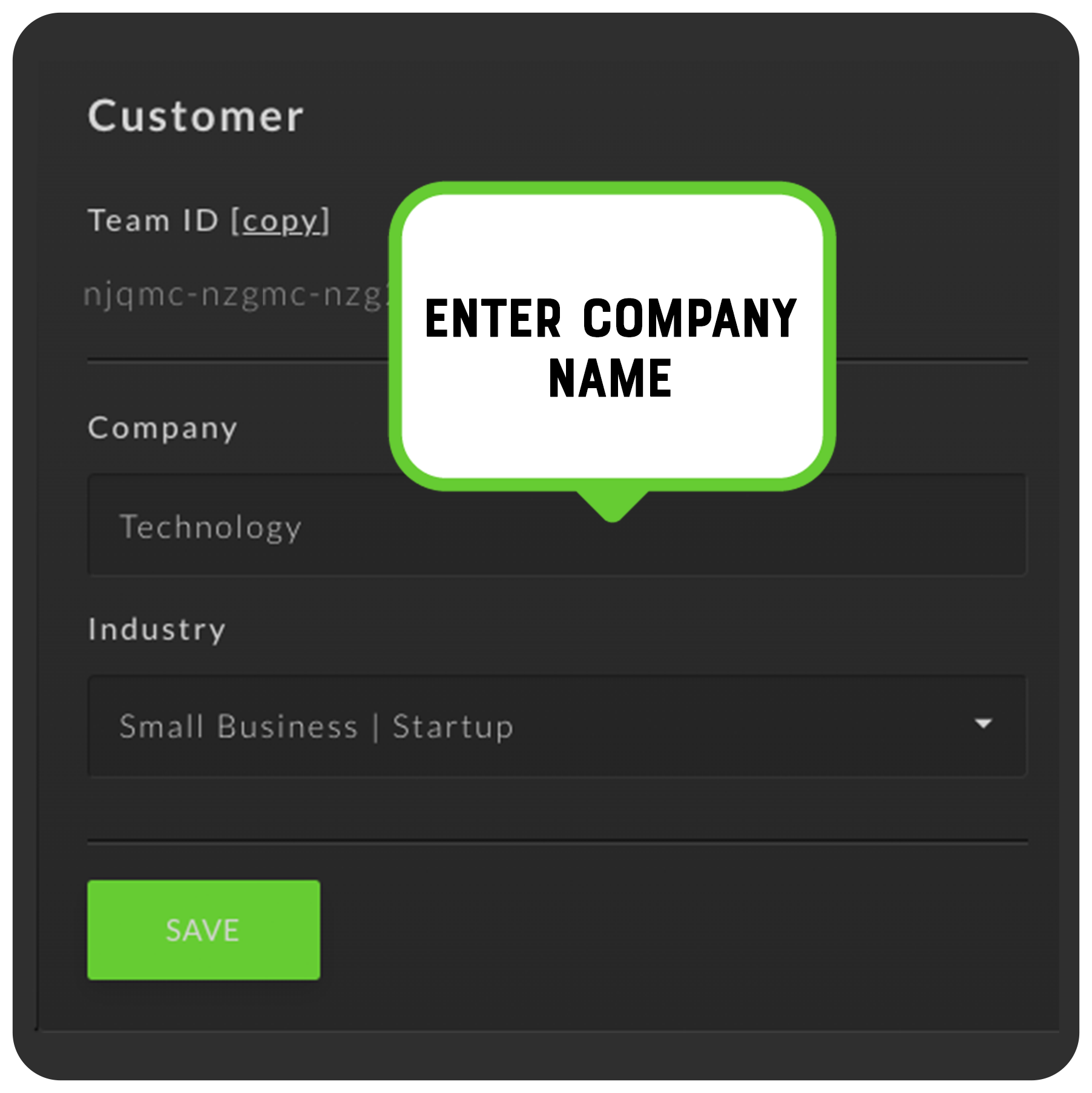
Change the Company Name of your Switchboard Account
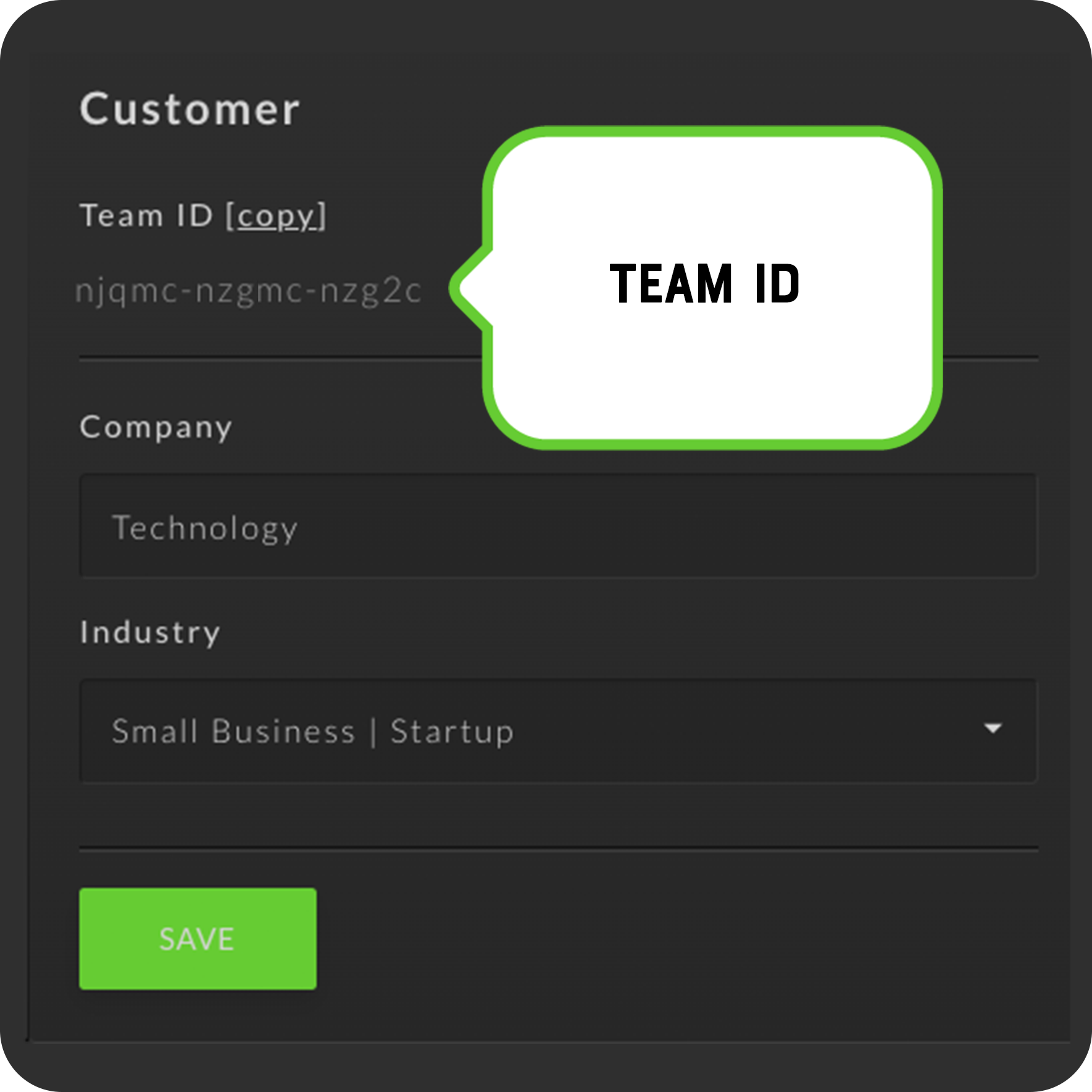
Copy your Team ID if you need it for reference
Select Industry from the drop-down menu.