Switchboard Live: Add Destinations
This guide will introduce you to Destinations, the core of our platform that allows you to broadcast a single live video to all of your channels simultaneously. Think of a "Destination" as any online channel you want to send your stream to. You can go live on an unlimited number of destinations in your Switchboard Live Account.
Last updated About 1 year ago
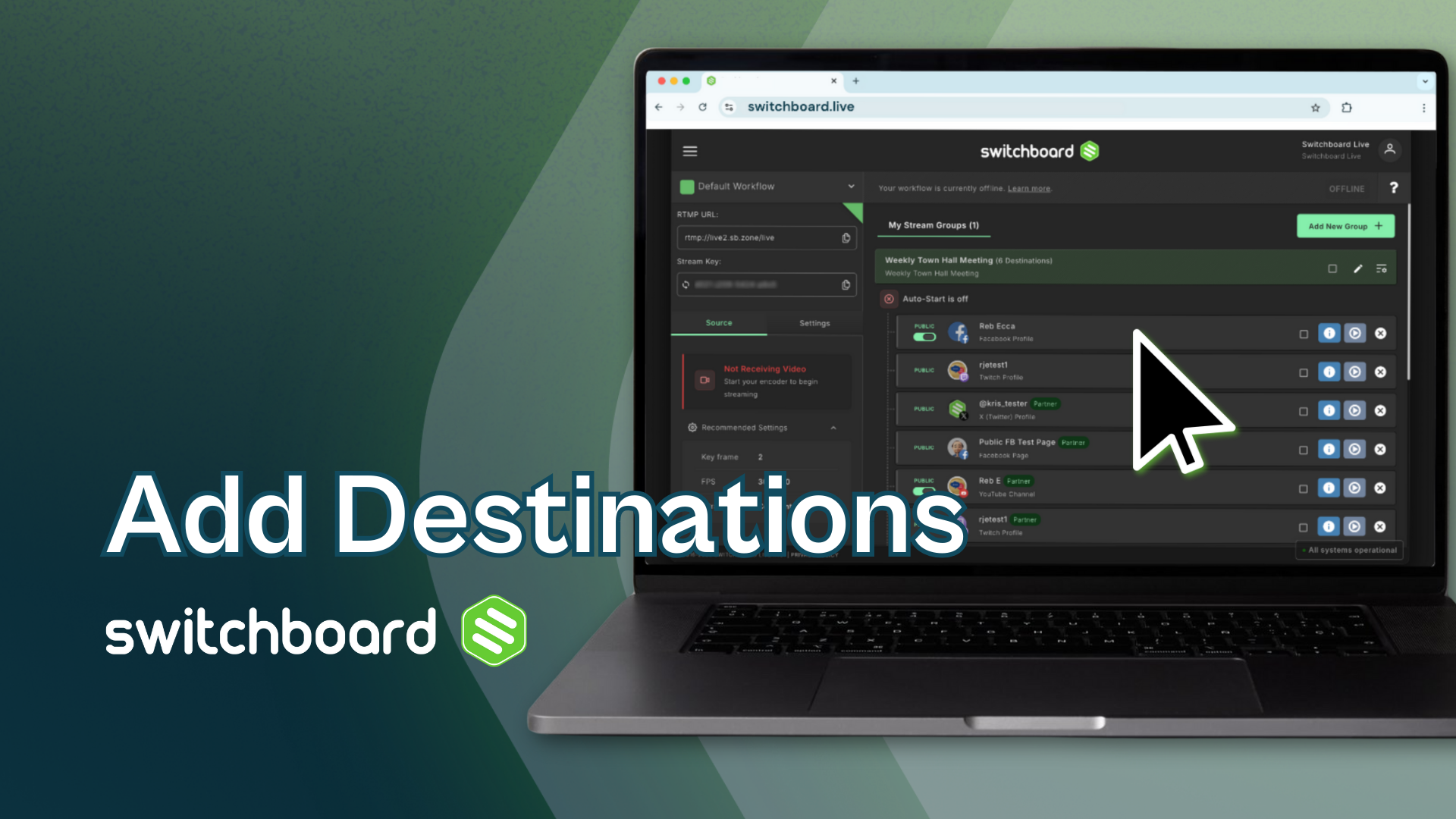
Switchboard seamlessly connects to multiple destinations, giving you the power to send your live stream to all corners of the internet. Learn how to connect, live stream, and manage your favorite social channels, like Facebook, YouTube, Twitch, X(Twitter), Instagram, and LinkedIn by using Switchboard.
Of course, you can always connect your social channels using RTMP, the stream URL, and the stream key on your platform stream settings, like Telegram, TikTok, and any other channel that accepts RTMP.
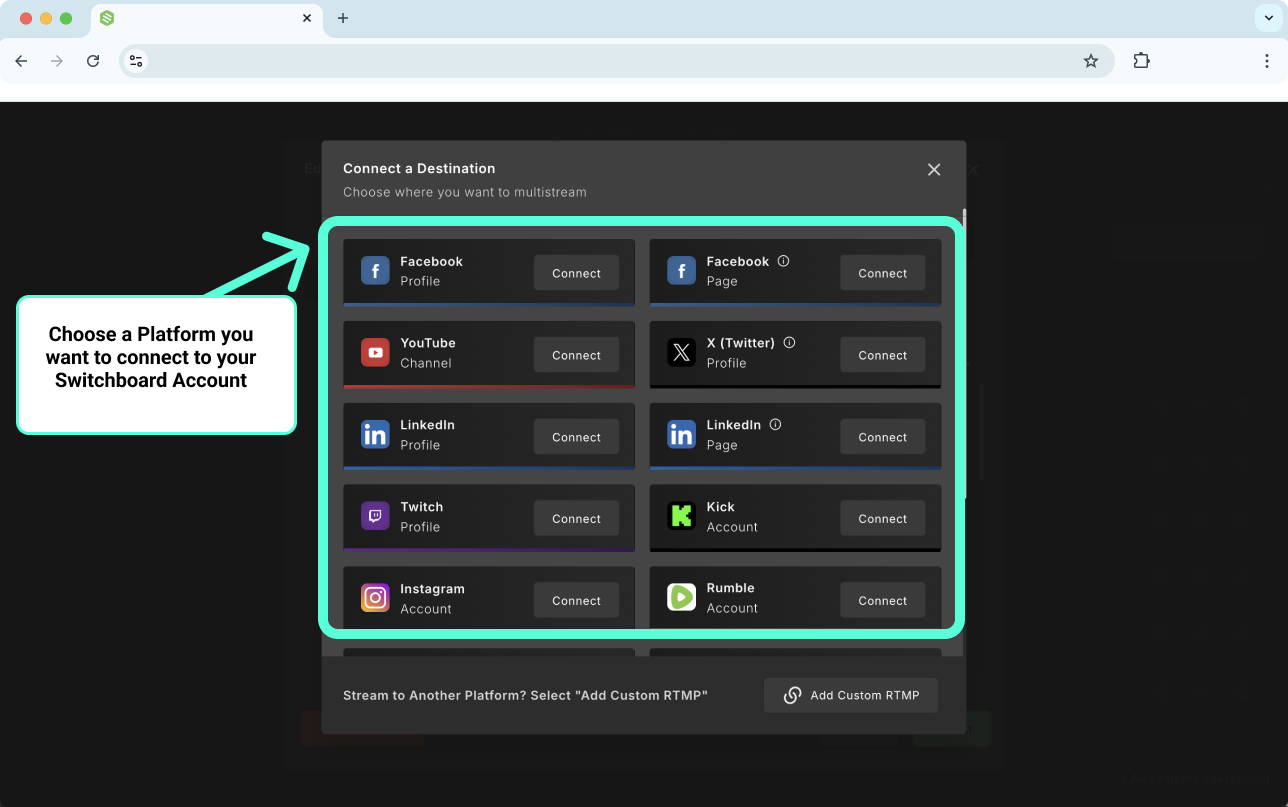
Add Destinations
Click on the icon or use the links below to learn how to connect your Switchboard Account to the social destinations.
Custom RTMP Destinations
You can connect many types of custom RTMP destinations with your Switchboard Account. Click on one of the links below to learn how to connect specific ones.