Canceling an Active Subscription
Last updated 12 months ago
Switchboard Live's Cloud platform offers simple solutions to managing your subscription, including canceling your subscription.
Click the Main Menu button located on the top left.
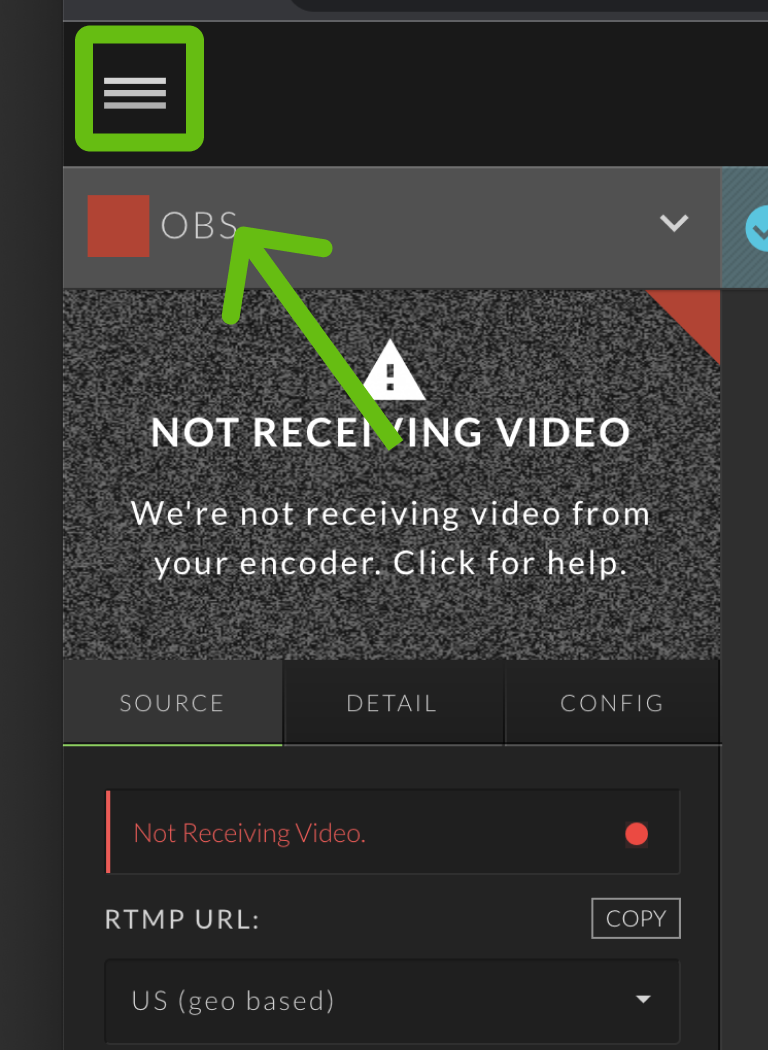
Select Management from the fly-out menu.

Select Billing.

A popup modal labeled "Manage Subscriptions " will appear.
Click the button to open and manage your subscription.

Select the option Cancel Subscription.

A popup will appear, providing you an opportunity to Cancel Immediately or at the next renewal.
You can also provide/share feedback on your reasoning for canceling.

Click the Confirm Cancellation button to confirm; we are sorry to see you go!
