Telestream Wirecast
Last updated About 3 years ago
This article guides the user through the Telestream Wirecast workflow – from capturing your live input to streaming content directly to Switchboard Cloud.
Basic Wirecast Workflow Process
- Establish your audio + video sources by connecting your devices (camera, microphone, mixer, etc.)
- Capture content through your hardware (Mac, PC, etc.)
- Navigate Wirecast workflow features (transitions, animation, etc.)
- Stream to Switchboard Cloud
Add Shot
- On the Workflow page, click Add Shot
A menu will pop up in order for you to select your devices.
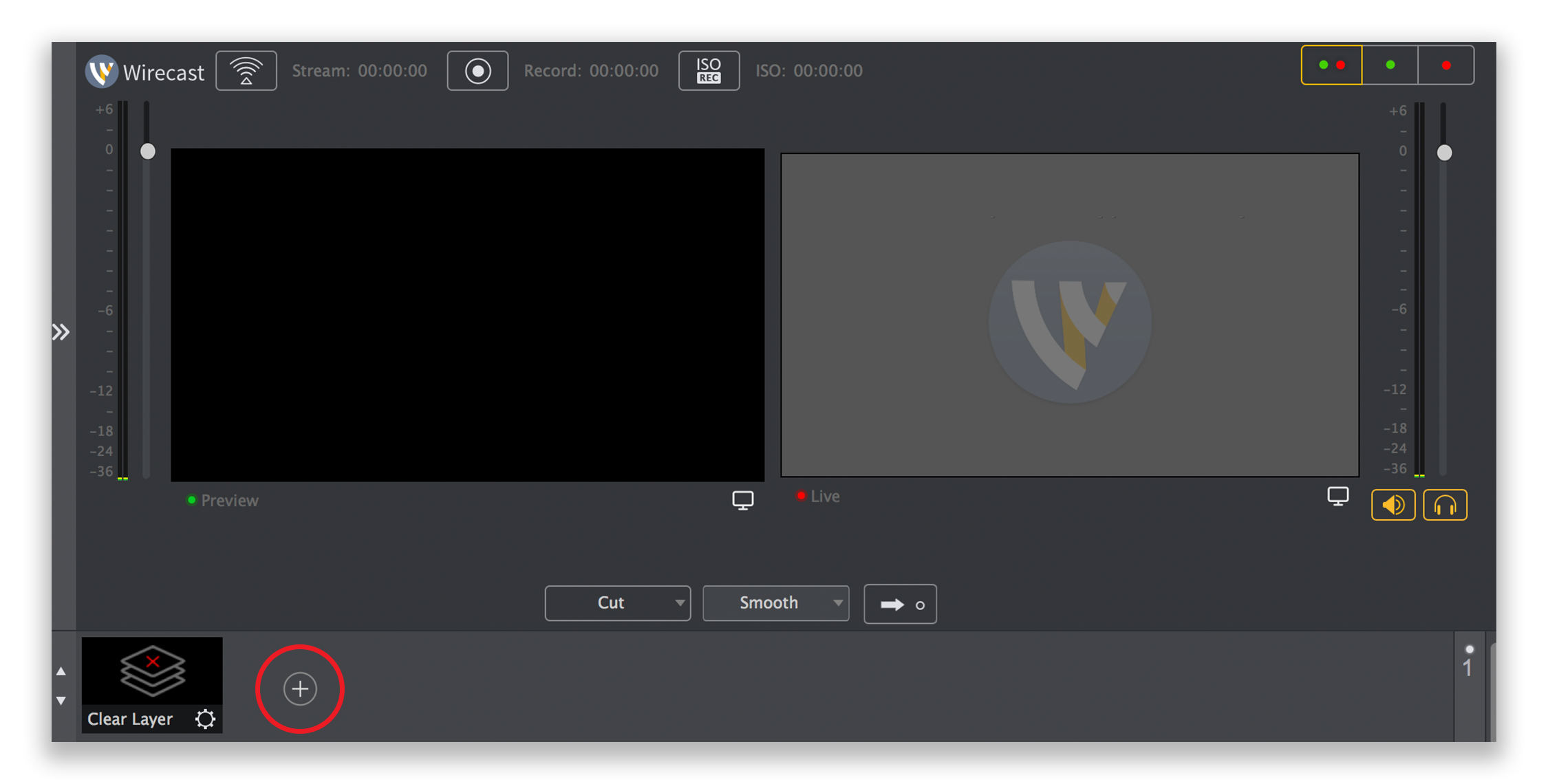
- Under Video Source, select your video input device > under Audio Source, select your audio input device, and click Add

Output Settings
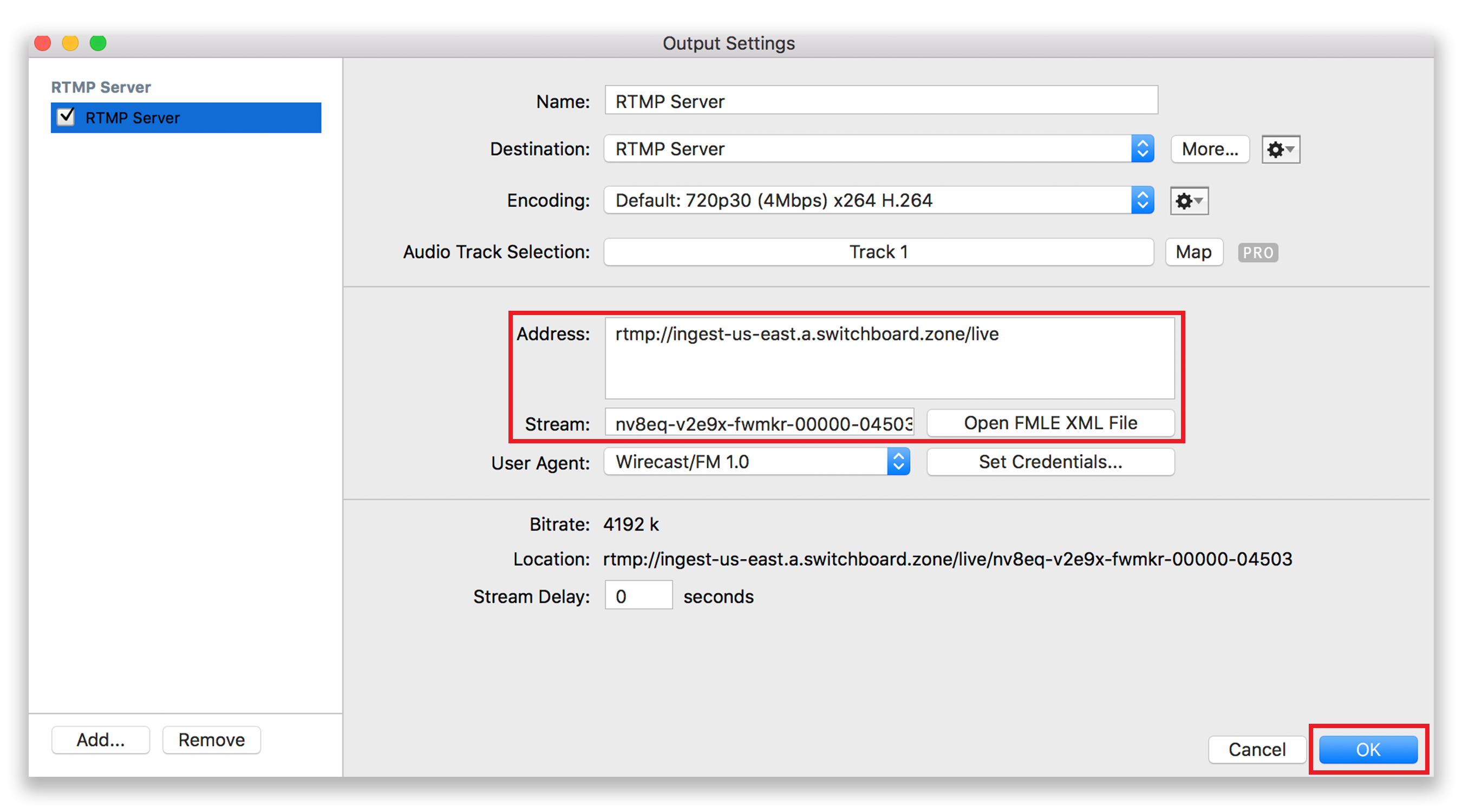
- Under the Output tab, click Output SettingsA pop-up will prompt you to select an Output Destination, click OK
- Copy the Address/FMS URL and Stream Key from your Cloud workflow, and paste it into the Address and Stream fields, respectively

Start Stream
- Click OK
- Under the Output tab, click Start/Stop Broadcasting to begin your stream